

Simple setup. Strong ownership.
Choose a tracker, scan its code with the Ivamelt app and watch it appear on your live map. Every step makes it clear which tracker belongs to which account.
From the box to the map.
- Step 1
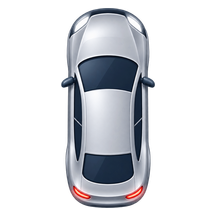
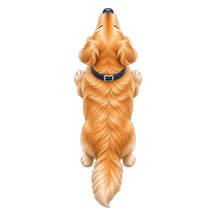
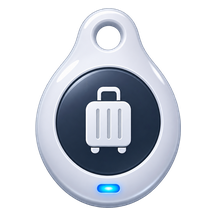
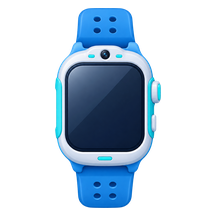
Choose the right tracker
Compare trackers by what you want to keep close: a car, a pet, a bag or someone you love.
- Step 2
Create your Ivamelt account
One account for the website and the mobile app: the same sign-in, the same trackers.
One Ivamelt accountWebsite and app - Step 3
Scan the secure QR code
Every tracker has its own activation identity. Scanning it pairs that unit to your account, and only yours.
- Step 4
Start the included trial
Your 14 days begin after successful activation, never while the tracker is still on its way to you.
- Step 5
Stay connected
Live location, trips, safe zones and alerts, with trusted access for the people you choose.
Arrived at HomeEmma · Just now
Your 14 days start at activation.
Not when you order, and not while the tracker is in the post.
- OrderNo trial time used
- DeliveryStill no trial time
- ActivationYour 14 days start
- Day 14Choose a plan to stay connected
Three ways to add a tracker.
Scan QR code
Point the app at the code on your tracker or its box.
Add via Bluetooth
Find and connect a tracker close by.
Enter device ID
Type the ID printed on the tracker by hand.
Find your first tracker.
Every tracker pairs the same way, in the same app.